Use case
Vibe coding: talk to your AI assistant without touching the keyboard
July 22, 2026 · 5 min read · By Forthright Tech
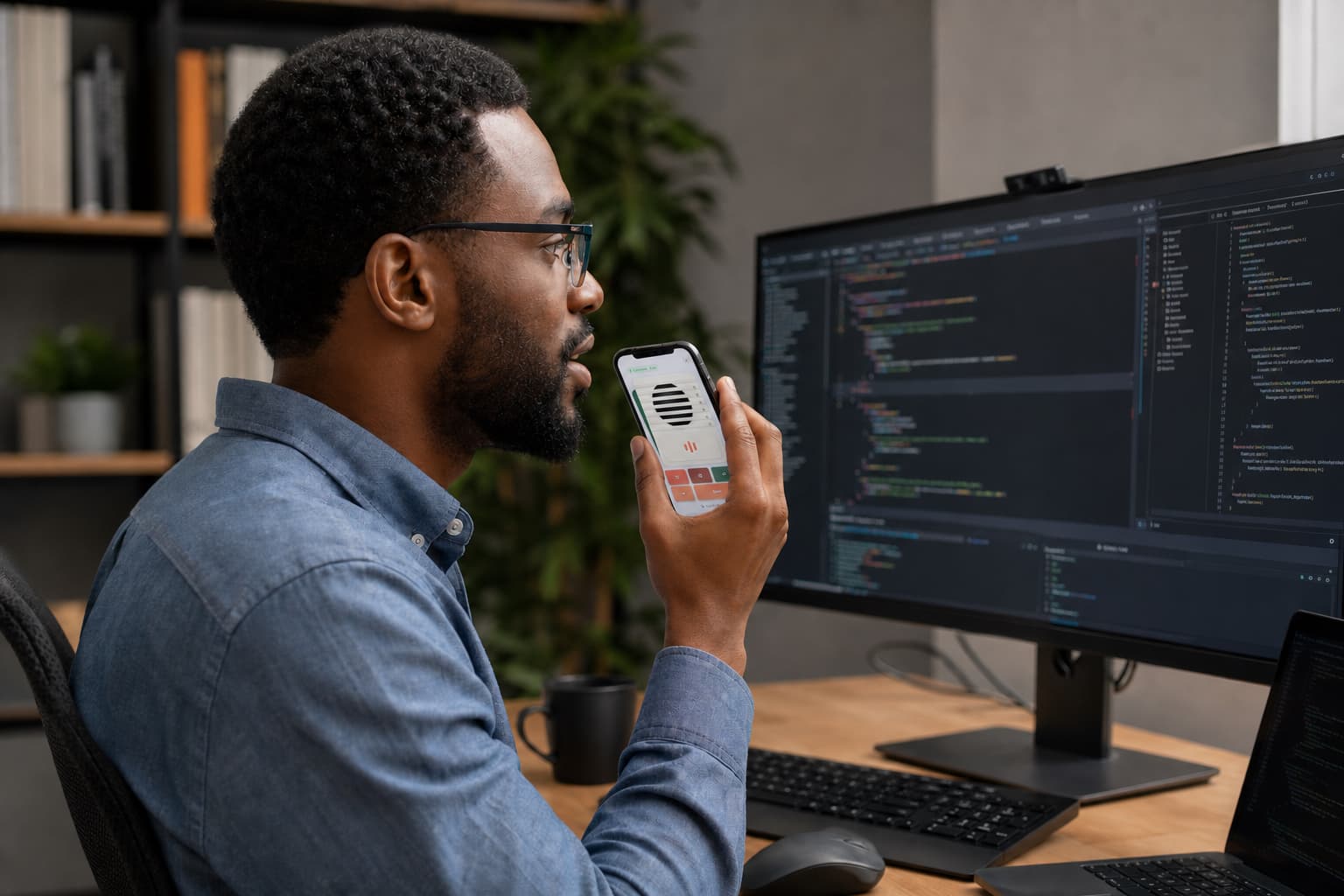
Turn your iPhone into a hands-free voice mic and shortcut remote so you can dictate to ChatGPT, Claude, or Cursor while your hands stay on the flow — not the keyboard.
You know the rhythm of vibe coding: you describe what you want, the AI writes it, you react, you refine. It's a conversation. So why are you still typing every prompt with two hands hunched over the keyboard?
The friction isn't the AI — it's the input. Talking is faster than typing, but built-in dictation means leaning toward your laptop mic, and toggling it on and off breaks your flow every few seconds. iMic fixes both halves of that problem: it makes your iPhone a studio-clear microphone your Mac trusts, and a remote that fires the shortcut to start listening — all without your hands leaving the keyboard for the mouse.
Your phone becomes a real microphone — one every app can see
Here's the key thing: iMic doesn't live inside one app. It installs a virtual microphone on your Mac that simply shows up as "iMic" in any app's input menu — ChatGPT's desktop app, your dictation field, Cursor, a browser tab, whatever you code in. If an app can pick a microphone, it can use iMic.
Your iPhone captures the audio and streams it to your Mac over your local Wi-Fi. No cables, no dongle, no cloud account — and it's fast enough that no one, not even you, hears a delay. So instead of muttering into a laptop mic three feet away, you speak into the excellent microphone already in your pocket, propped up right next to you.
Push a button, start talking
The magic trick for vibe coding is the programmable remote. Your iPhone shows big, tappable buttons, and each one fires a keyboard shortcut on your Mac. Set one to Start Dictation, one to launch ChatGPT, one for Spotlight, one to trigger a Raycast or Alfred workflow, or any Apple Shortcut you've built.
Each button works in one of two ways, and the difference matters:
- Tap — press once to fire the shortcut, like flipping a switch. Great for "start dictation" or "open ChatGPT."
- Hold — the shortcut stays active only while your finger is down, then releases. This is push-to-talk: hold to speak your prompt, let go when you're done.
So the whole loop becomes: hold the button, say "refactor this function to handle the empty case," release. Your words land in the AI, your hands never left home row, and you never touched a menu.
It keeps up, and it keeps going
A few things that make this pleasant instead of fiddly:
- Low latency. Speech reaches your Mac fast enough for real-time dictation — you talk, the words appear, no awkward lag.
- It doesn't quit on you. Lock your phone or let the screen sleep and iMic keeps streaming in the background. Step away, come back, and it reconnects on its own after a Wi-Fi blip — no re-pairing, no re-selecting the mic.
- It's private by design. Your voice travels directly between your iPhone and Mac on your own network. There's no cloud relay, ever, and nothing is recorded or stored.
One honest note about permissions
To run keyboard shortcuts, iMic needs macOS Accessibility permission — that's just how macOS lets any app press keys for you. You grant it once in System Settings.
But if you only want the microphone and not the remote, you don't need to grant anything extra: audio streaming works even if you skip Accessibility entirely. The two features run independently.
Try it on your next session
Prop your iPhone next to your keyboard, set a button to your dictation shortcut, and pick "iMic" as the input in your AI app. The next time you're in the zone, you'll talk your way through the build instead of typing through it — which is what vibe coding was supposed to feel like all along.
Ready to try iMic?
Turn your iPhone into your Mac’s microphone and shortcut remote. $5.99/year with a 7-day free trial, or $9.99 for a lifetime license on two Macs.
Get iMic